
Baptism
All the photos from the baptism, in a family album
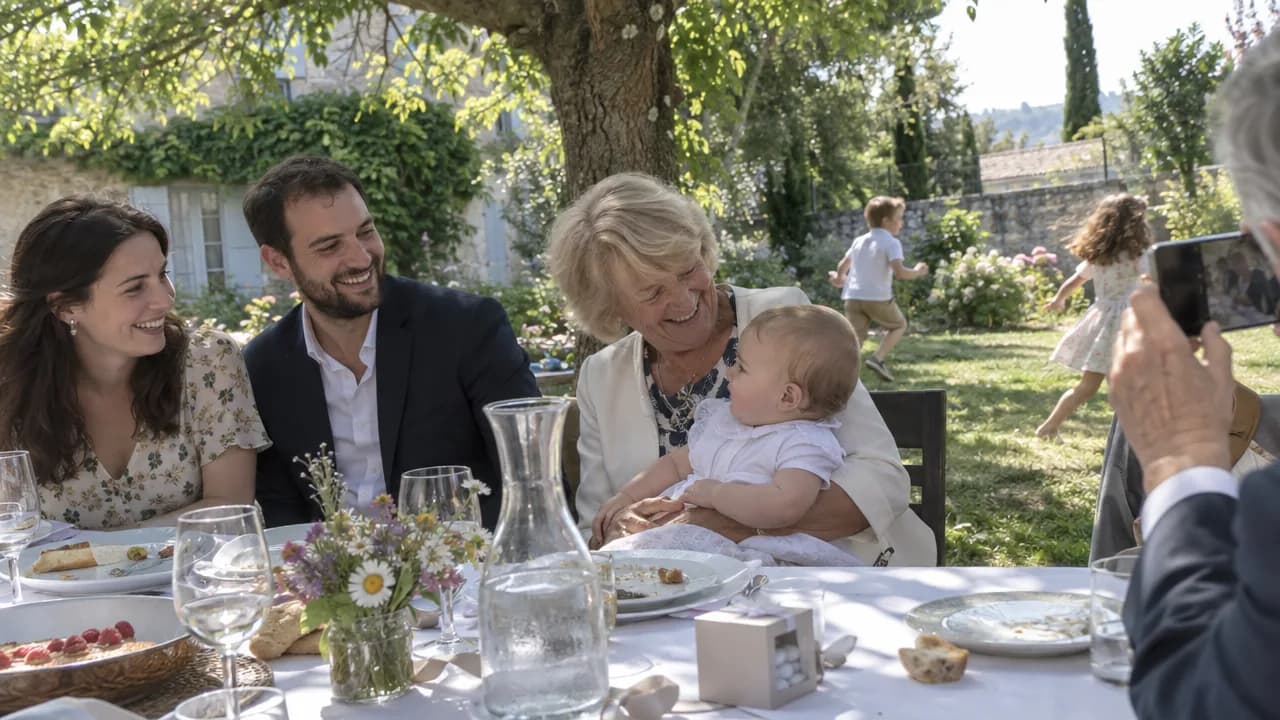
From the ceremony to the meal, the whole family takes photos. With a QR code, everyone sends theirs in seconds, with no app and no account.
- Free
- ✦Unlimited photos
- ✦No app, no account
How to collect baptism photos
- 1
Create the baptism album
A name, the date of the ceremony, and your QR code is ready in a minute.
- 2
Share the QR code with the family
Put it on the tables at the meal or slip it into the invitation. One scan, and everyone sends photos from their phone.
- 3
Keep it all, for later
You download the lot as a single ZIP file. A keepsake to show your child when they’re older.
Why a shared album for a baptism
Easy for every generation
No app to install, no account to create: grandparents manage it just as well as the cousins.
The whole family’s point of view
Everyone photographs what moves them. Together, those views tell the day far better than a single camera.
A private album
The album is protected by a code only you hold. Files are encrypted and hosted in Switzerland.
Photos and videos, unlimited
50 or 5,000 memories, it all fits in the same album. Collecting and downloading are free.
For those who couldn’t come
Share the photos afterwards with family far away, by downloading the full album.
A real book, if you like
The mystery album: about sixty candid photos, picked by us and printed in a book. €35, delivered to France and Belgium.
Where to put the QR code on the day
The more visible it is, the more photos you get. The spots that work best:
- ✦On the tables at the meal, next to the menu
- ✦At the entrance
- ✦On the invitation or the order of service
- ✦Near the favours or the guest book
- ✦In the thank-you message the next day: the link works without the QR code too
Frequently asked questions
Is it really free?+−
Do my guests need to install an app?+−
How many photos can be sent?+−
Who can see the photos?+−
Are photos of children safe?+−
Ready for the big day?
Create the baptism album in a minute. It’s free.